
blog
Fiesta Photo Booths: Software, Templates, and Rental Reality
Last Updated: November 3, 2026
Quick Summary
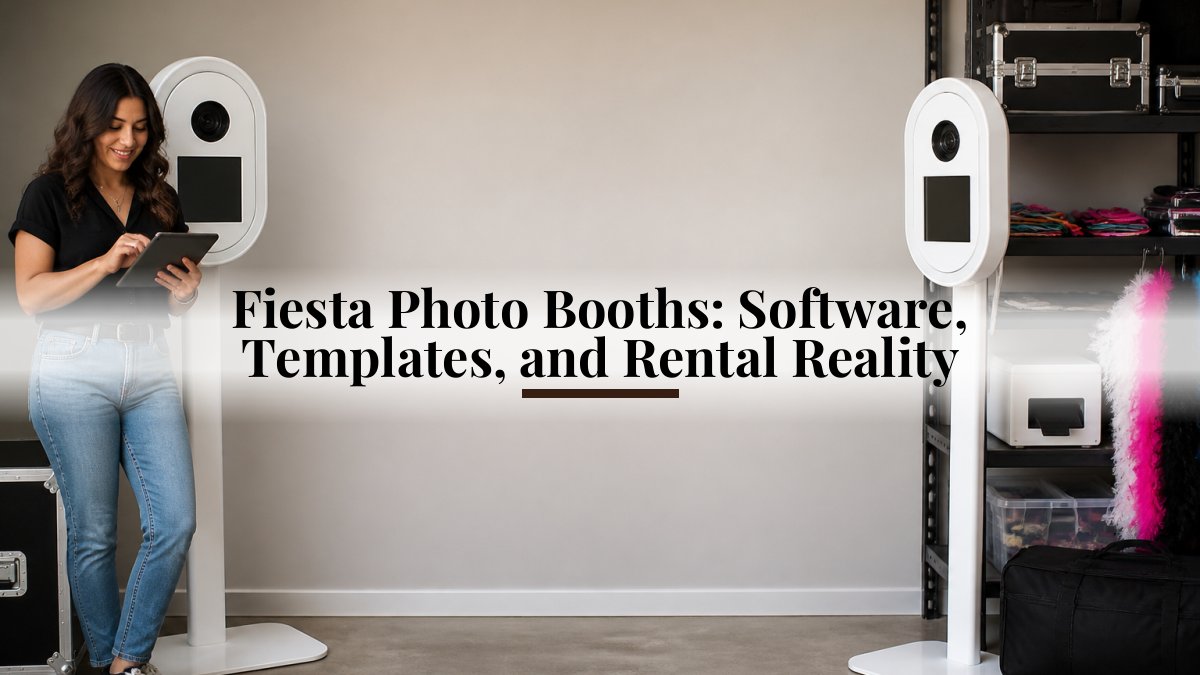
Fiesta photo booths are an iPad-based photo booth setup built around Fiesta, the capture and booking software from Photo Booth Supply Co. You can buy the software and hardware yourself, or rent a full-service booth where delivery, setup, templates, and on-site support are handled for you.
- Fiesta is marketed as an all-in-one tool for booking, creating, and capturing events.
- 82% of guests interact with a photo activation if the process takes under sixty seconds.
- An iPad booth needs floor space, power, a stable surface, and a network connection for sharing.
- Test capture, template render, share, and gallery upload on the venue's network before guests arrive.
- Demand peaks in May, June, and December, with May alone at about 14% of annual bookings.
Table of Contents
- What Fiesta Photo Booths Actually Are
- How Digital Photo Booth Software Powers the Fiesta Experience
- Photo Booth Custom Templates and Branded Content
- Fiesta Photo Booths vs. a Full-Service Rental: A Cost and Effort Breakdown
- Technical Requirements and Setup for iPad Photo Booths
- Privacy, Safety, and Guest Data at Your Event
- Event Types That Fit Fiesta-Style Booths
- Reserve Your Photo Booth Experience
- Frequently Asked Questions
What Fiesta Photo Booths Actually Are
Fiesta photo booths are an iPad-based photo booth setup built around Fiesta, the capture and booking software from Photo Booth Supply Co.
That distinction matters more than it sounds. Searches for "fiesta photo booths" pull up two very different things: a software product and rental services that happen to use it. At Couture & Decor Social Events LLC, we rent iPad photo booths for weddings, corporate events, and parties, so we sit on the rental side of that line. This guide separates the two, then covers what the software does, what it costs you in effort, and how to decide which path fits your event.
The U.S. photo booth rental market reached a reported $1.2 billion in 2026, with roughly 4.2 million activations across more than 28,000 active operators, according to Captured Celebrations' 2026 photo booth statistics. That volume tells you something useful: photo booths stopped being a novelty add-on and became a standard line item in event budgets.
How Digital Photo Booth Software Powers the Fiesta Experience
Digital photo booth software is the layer that turns a tablet and a camera into a working booth: it captures the image, applies the template, and delivers the file. For a closer look at the hardware and software components of a booth setup, see our setup checklist. Fiesta is marketed as an all-in-one tool for booking, creating, and capturing events, per Photo Booth Supply Co.'s Fiesta app overview. For an operator, that means one dashboard instead of three separate tools.
For a host, the practical effect is speed. A 2026 photo booth industry analysis from LA Photo Party reports that 82% of guests will interact with a photo activation if the process takes under sixty seconds. Software that adds friction, a slow share screen, a confusing button layout, kills participation faster than any other factor.
Capture Formats and Instant Sharing
, according to Photo Booth Supply Co.'s capture format documentation. That range matters for guest experience. A wedding crowd skews toward printed photos and boomerangs. A corporate activation usually wants GIFs and short video clips that travel well on social.
Instant sharing is the other half. Guests expect the file on their phone before they leave the booth.
Analytics and the Automated Workflow
The analytics layer is what most guests never see and most hosts underestimate. Fiesta operators can track email sharing and survey data collected during activations, per Photo Booth Supply Co.'s analytics support documentation. For a corporate event, that is a lead capture mechanism wearing a party hat.
Photo Booth Custom Templates and Branded Content
Photo booth custom templates are the pre-designed frames that wrap each photo with names, dates, logos, or event themes. They are the single most visible customization decision you will make, and they are where most events either look polished or look generic.
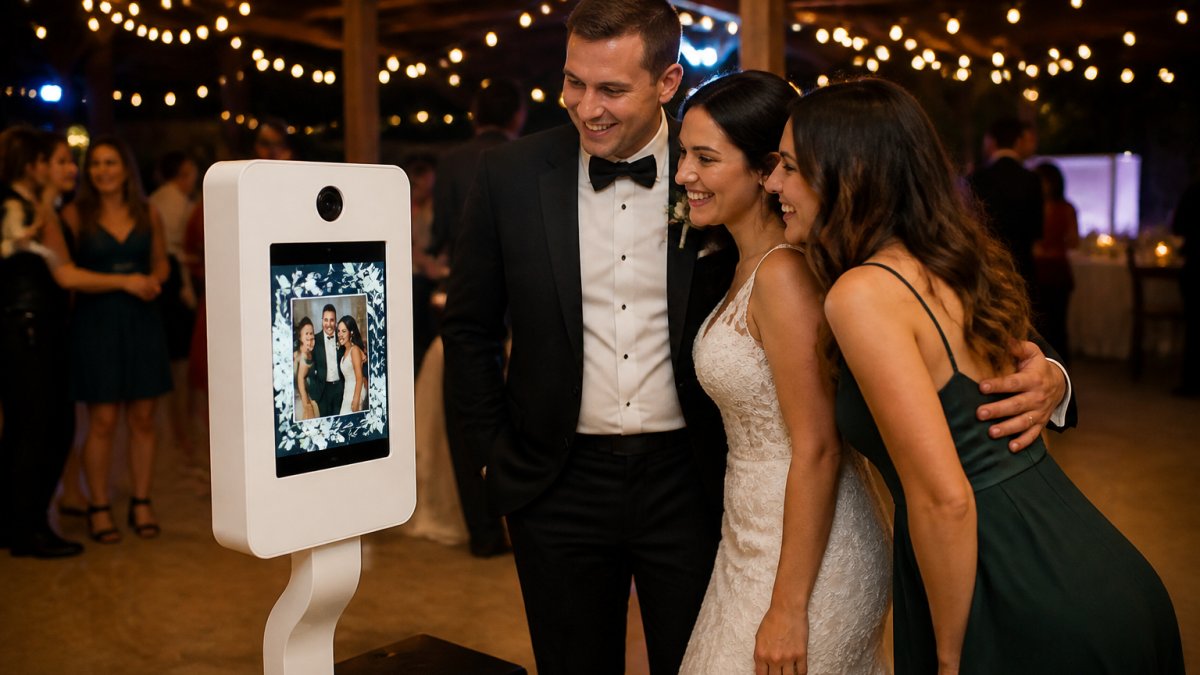
For corporate activations, branded content does double duty. The template carries the logo, and the shared file becomes a piece of marketing that travels without you.
A common mistake is over-designing the template. Busy frames with five fonts and three logos crowd the faces. Keep it to a name, a date, and one visual element, and the photos age well.
Fiesta Photo Booths vs. a Full-Service Rental: A Cost and Effort Breakdown
The honest answer is that these are different products with different cost structures, and comparing them on sticker price alone is where people go wrong. One is a software license plus hardware you own; the other is a service you hand off. The line items look nothing alike.
| Factor | DIY Software Route | Full-Service Rental |
|---|---|---|
| What you are buying | A software license plus hardware you own or rent separately | A delivered, staffed experience for one event |
| Recurring cost | Software subscription | None between events |
| One-time cost | iPad, stand, lighting, optional printer and consumables | Bundled into the package |
| Setup labor | You transport, build, test, and tear down | Provider handles delivery and setup |
| Template design | You build or commission them | Typically included, designed around your event |
| On-site support | None unless you staff it | Provider handles issues in real time |
| File delivery | You manage sharing and galleries | Provider manages sharing and galleries |
| Best for | Operators running many events who can amortize the hardware | Hosts running one event who want the logistics off their plate |
Pricing depends on the date, the length of the event, and any add-ons you choose. Our photo booth pricing and add-ons page lists the drop-off experience and available extras. For current prices or a quote, visit our website.
Watch out: comparing a DIY subscription price to a full-service package price is apples to oranges, because the package includes labor, delivery, and on-site support that the subscription does not. Compare total cost of ownership, not the first invoice.
Technical Requirements and Setup for iPad Photo Booths
An iPad photo booth needs four things: floor space, a power source, a stable surface for the device, and a network connection if you want instant sharing. Get those four right and setup is genuinely quick. Miss one and the booth stalls. Most setup guides stop at that list, which is why so many hosts discover the problems on event day. Here is the version with the logistics filled in.
Space and footprint. Plan for a guest zone, not just a device zone. A single-guest booth needs enough room for one person to step in, pose, and step out without backing into a table, and a group booth needs a wider approach so three or four people can crowd in without knocking the stand. A corner with a clear approach works better than a spot in the middle of traffic flow, and a booth placed near a bar or a dance floor needs a wider buffer than one in a quiet corner. Measure the approach path, not just the booth.
Power. A booth running a tablet, lighting, and a printer needs a dedicated outlet, not a shared power strip already carrying a DJ rig. Bring an extension cord rated for the load and tape it down. If the venue's outlets are far from the booth spot, confirm the run length before event day, because a cord stretched across a walkway is a trip hazard no matter how well it is taped.
Network. Network matters if you promised digital sharing. Confirm the venue's Wi-Fi can handle uploads, or plan for a cellular hotspot as backup. Offline mode works for capture, but guests waiting on a gallery that never arrives will remember it. For a corporate activation where lead capture runs through email sharing, treat connectivity as a hard requirement, not a nice-to-have.
Lighting and surface. A stable stand that will not tip when someone leans on it matters more than the stand's look. Lighting should be positioned so it does not blow out faces or cast shadows on the template, and the surface under the booth should be flat, because a wobbling stand on uneven ground is the second-most-common failure after power.
Setup sequence that avoids the common stalls. Test the booth end to end before guests arrive: capture, template render, share, and gallery upload. A booth that captures but cannot share is worse than no booth, because guests have already posed. Run the test on the venue's network, not your phone's hotspot, so you catch venue-specific issues early.
If you are checking whether your venue fits, our photo booth FAQs on booking, setup, and policies cover space, power, Wi-Fi, and delivery details in one place.
Watch out: skipping the cable tape because the run is short is the mistake that produces a fall and a liability conversation. Tape it, every time.
Privacy, Safety, and Guest Data at Your Event
Photo booth data is guest data, and most hosts never think about it until someone asks. When a guest enters an email to receive their photo, that address is personal information. When a corporate booth runs a survey, the responses are too.
The practical rules are simple. Tell guests what happens to their email before they type it. Give them a clear way to opt out of marketing follow-ups. Delete what you do not need once the event is over. If your booth collects survey responses, know who owns that data before the event, not after.
Safety gets less attention and matters more. Cables taped down, a stable stand that will not tip when someone leans on it, and a clear exit path around the booth prevent the two most common incidents: trips and toppled equipment. A booth placed near a bar or a dance floor needs a wider buffer than one in a quiet corner.
Watch out: skipping the cable tape because the run is short is the mistake that produces a fall and a liability conversation. Tape it, every time.
Event Types That Fit Fiesta-Style Booths
Weddings remain the core use case, and for good reason. A booth gives guests something to do during the gap between ceremony and reception, and the photos become a guest-sourced album the couple did not have to assemble.
Corporate activations are the fastest-growing category. Branded templates, lead capture through email sharing, and real-time analytics turn a booth into a measurable marketing channel rather than a line item someone has to justify.
The rest of the list is broader than most people expect:
- Birthdays and milestone anniversaries
- School events, proms, and fundraisers
- Holiday parties and end-of-year celebrations
- Product launches and trade show booths
- Community festivals and charity galas
Seasonality matters if you are planning. An analysis of roughly 118,000 photo booth bookings found demand peaking in May, June, and December, with May alone accounting for about 14% of annual bookings, per ATA Photo Booths' seasonality analysis. Book early for those months.
For weddings specifically, our guide to choosing a wedding photo booth walks through the decision points that matter most.
Reserve Your Photo Booth Experience
The gap between a booth that works and one that frustrates guests comes down to preparation: the right software, a template that fits the event, and a setup that does not fail at peak hour. Fiesta photo booths are a capable software platform, and a full-service rental wraps that capability in logistics you do not have to manage yourself.
If you are planning a wedding, corporate event, or party and want the setup handled, our photo booth rental service for weddings, birthdays, and corporate events covers what we offer and how to check availability for your date.
The takeaway is straightforward. Decide first whether you are buying software or buying an experience. Everything else, from budget to template design to who tapes down the cables, follows from that one answer.
Frequently Asked Questions
What is the difference between Fiesta photo booths and a rental booth?
Fiesta is software that runs on an iPad-based booth, not a booth you rent by itself. Operators use it to manage capture, templates, and sharing. If you want a hands-off event, rent a photo booth from us.
What features should I look for in a modern iPad photo booth?
Look for instant digital sharing, a range of capture formats, and custom templates. Quick, simple capture helps guests participate.
How does instant digital sharing work at an event?
Guests finish their session, enter a phone number or email on the booth screen, and receive the image or GIF within seconds through a digital gallery link.
Are iPad photo booths suitable for corporate events?
Yes. Corporate activations benefit most from photo booth custom templates that carry a logo, campaign hashtag, or product launch message. The booth's small footprint fits conference halls and lobbies, and the software's real-time analytics let organizers see how many guests participated and shared.

Frequently asked questions
What is the difference between Fiesta photo booths and a rental booth?
Fiesta is software that runs on an iPad-based booth, not a booth you rent by itself. Operators use it to manage capture, templates, and sharing. If you want a hands-off event, rent a photo booth from us.
What features should I look for in a modern iPad photo booth?
Look for instant digital sharing, a range of capture formats, and custom templates. Quick, simple capture helps guests participate.
How does instant digital sharing work at an event?
Guests finish their session, enter a phone number or email on the booth screen, and receive the image or GIF within seconds through a digital gallery link.
Are iPad photo booths suitable for corporate events?
Yes. Corporate activations benefit most from photo booth custom templates that carry a logo, campaign hashtag, or product launch message. The booth's small footprint fits conference halls and lobbies, and the software's real-time analytics let organizers see how many guests participated and shared.